


Design once.
Ship every size.
Make your App Store and Google Play screenshots once and export every size. Icons, privacy labels and policies too: everything the stores ask for, in one place.
No account, nothing to install. Runs in your browser.
One design in
Every store file out.
1files
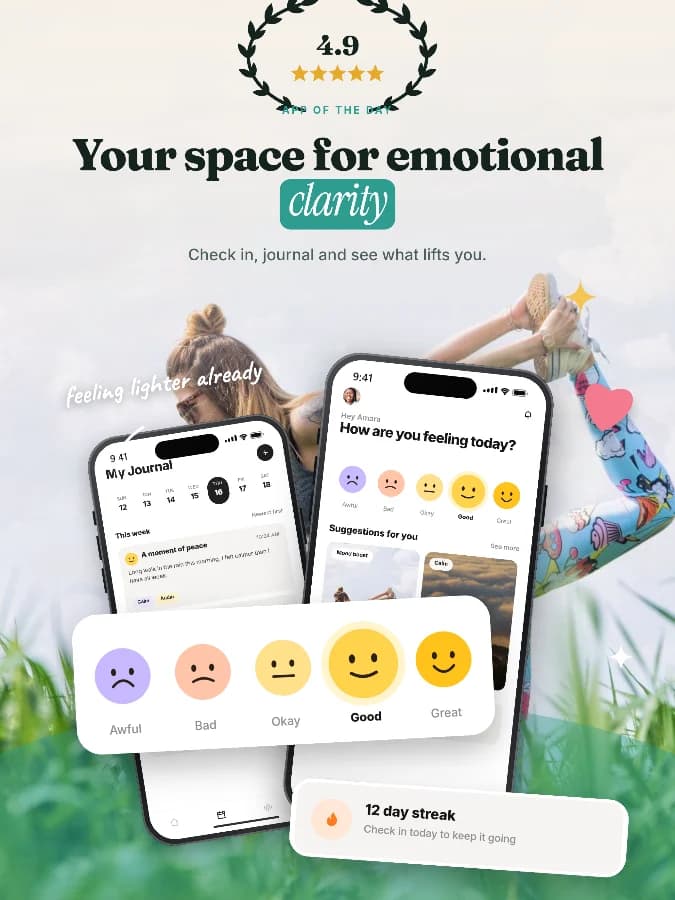
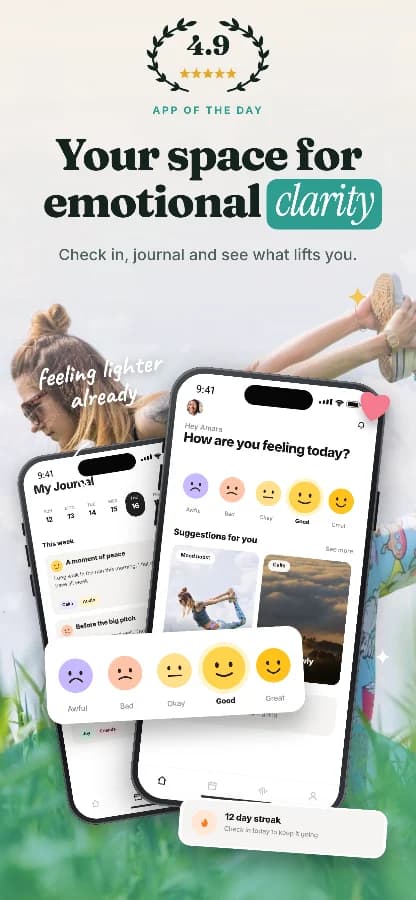
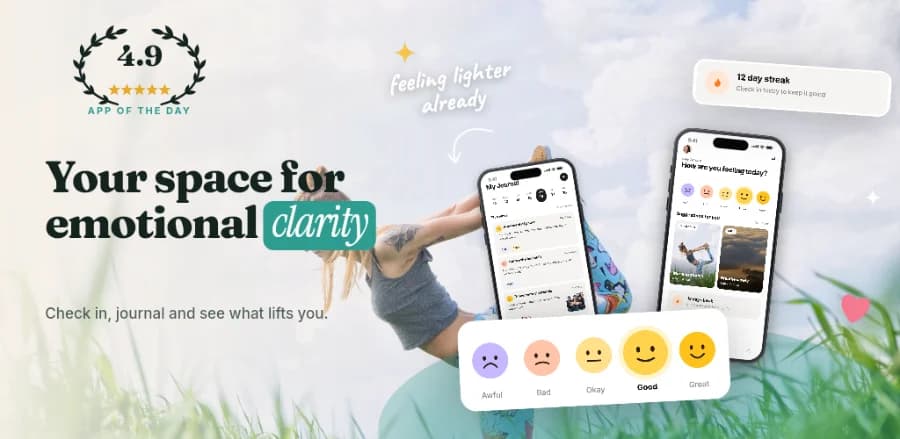
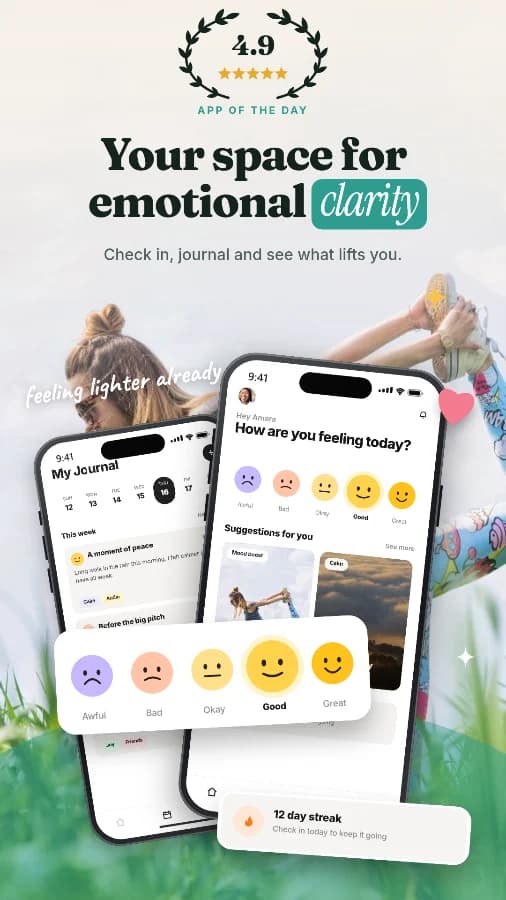
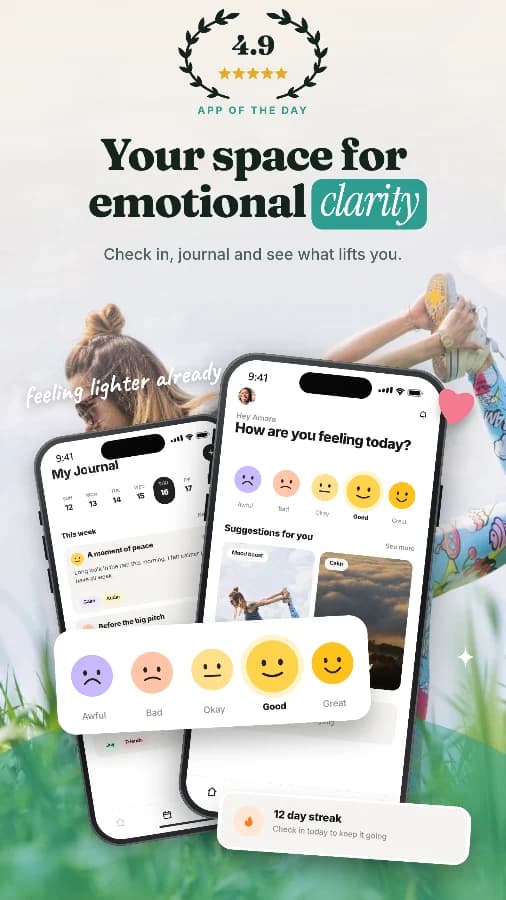
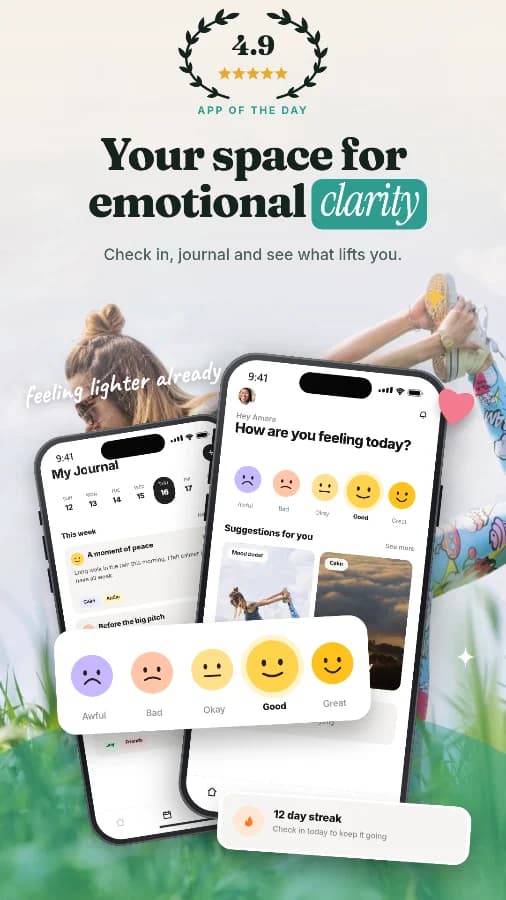
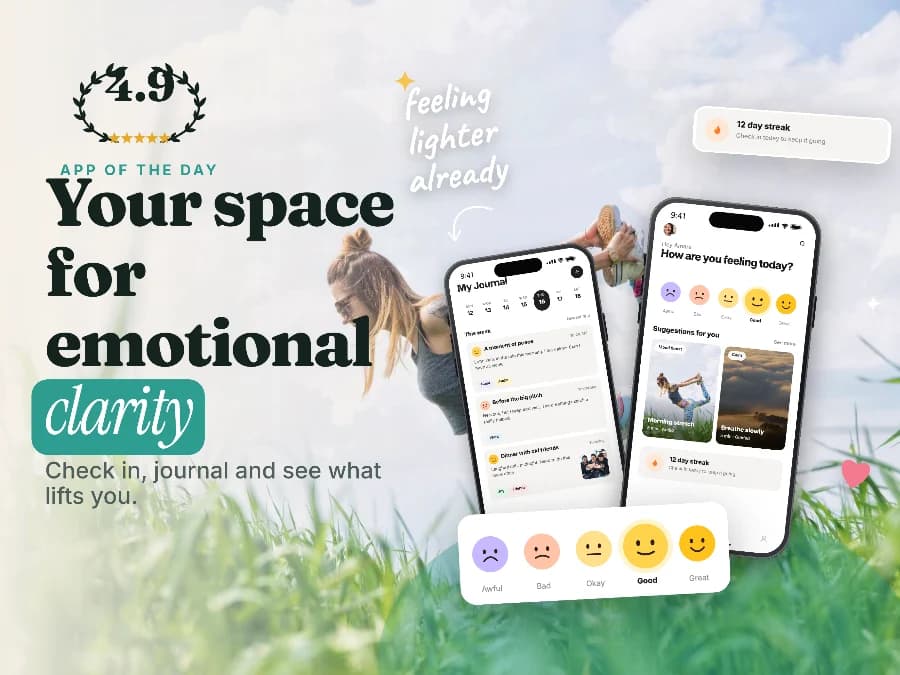
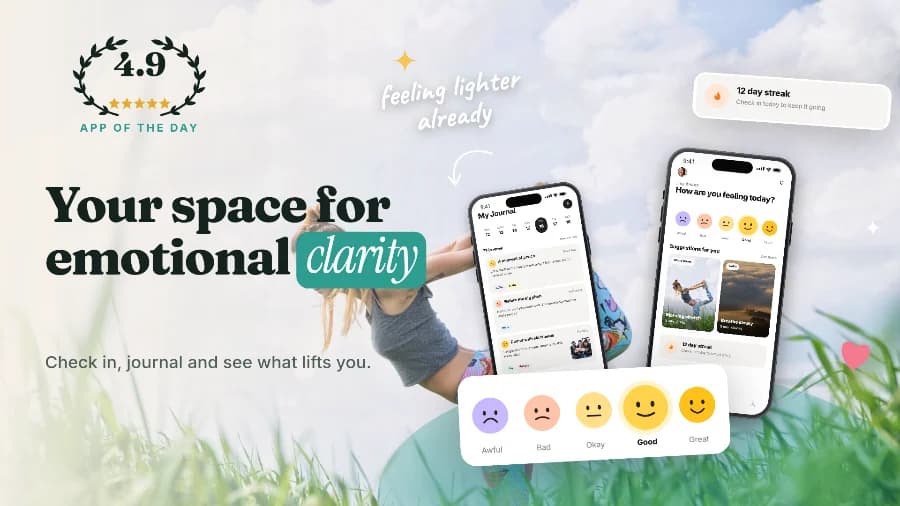
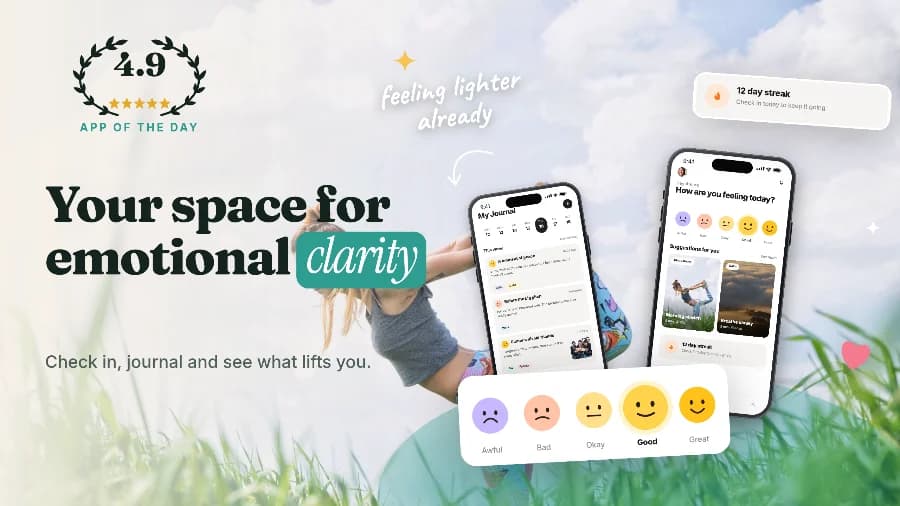
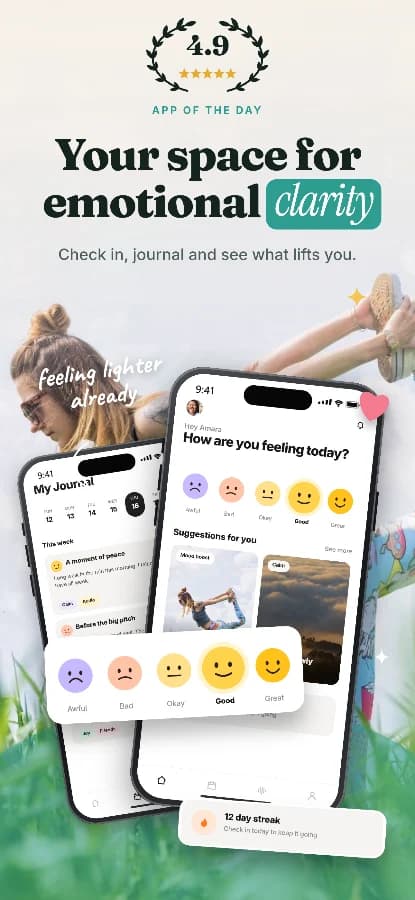
Each size is laid out for its own device, not stretched: iPhone, iPad, Android phones and tablets, Chromebook, Apple Watch and the Play feature graphic.
Try another app
Every slot, to the pixel.
Each device gets its own layout at its exact store size. Nothing is stretched or letterboxed, and every slot meets the store's rules.
Resizing five screenshots for iPhone 6.9″.
Rejected before it ships?
Here are the same five screenshots, exported two ways. ShipMock checks the exact pixel sizes, file limits and screenshot counts for both stores before you upload anything.
Plain simulator screenshots, or import an existing App Store listing or Figma frames. Guided setup builds both stores in three steps from your logo and screenshots.
Templates in the styles top apps use, highlighted words, callout cards, stickers and 12 typefaces, with captions per language and a palette taken from your logo.
One click exports every size and language, checked against the store rules, as a zip in the folder layout fastlane expects.
Your screenshots never leave your machine.
Rendering happens in the browser, App Preview video included. You can start without an account, and nothing is uploaded until you choose to upload it.
Then the paperwork
Sheet 06 · Launch toolsBill of materials
Sheet 07 · PricingNo. Rendering happens in your browser, App Preview video included. Your screenshots stay on your machine and you can start without an account.